Open beta · free
Know what your crypto cost you.
Simple portfolio tracking for long-term holders in New Zealand and Australia. Record what you own, and Tokemetrics keeps track of the rest: your coins, how they are split across assets and sectors, what your holdings are worth today, and how far ahead or behind you are on each one. At tax time, download a summary of your New Zealand or Australian tax year, or working papers for your accountant. We’ve also built in a crypto news feed, so you can keep up with the latest news from within the app.
- Holdings, cost and profit and loss, worked out from your trades
- Tax year summary for the New Zealand or Australian tax year
- Watchlists, price alerts and crypto news in the same app
We’re currently in beta testing. We’ve already tested the app ourselves, but we’re continuing to refine it so the user experience is exactly where we want it to be. It’s open to everyone and free to use.
An account keeps your records on your phone and your computer. You can also try it without one: your records then stay in your own browser.
Found something that isn’t right? Tell us. Privacy policy · Terms of use
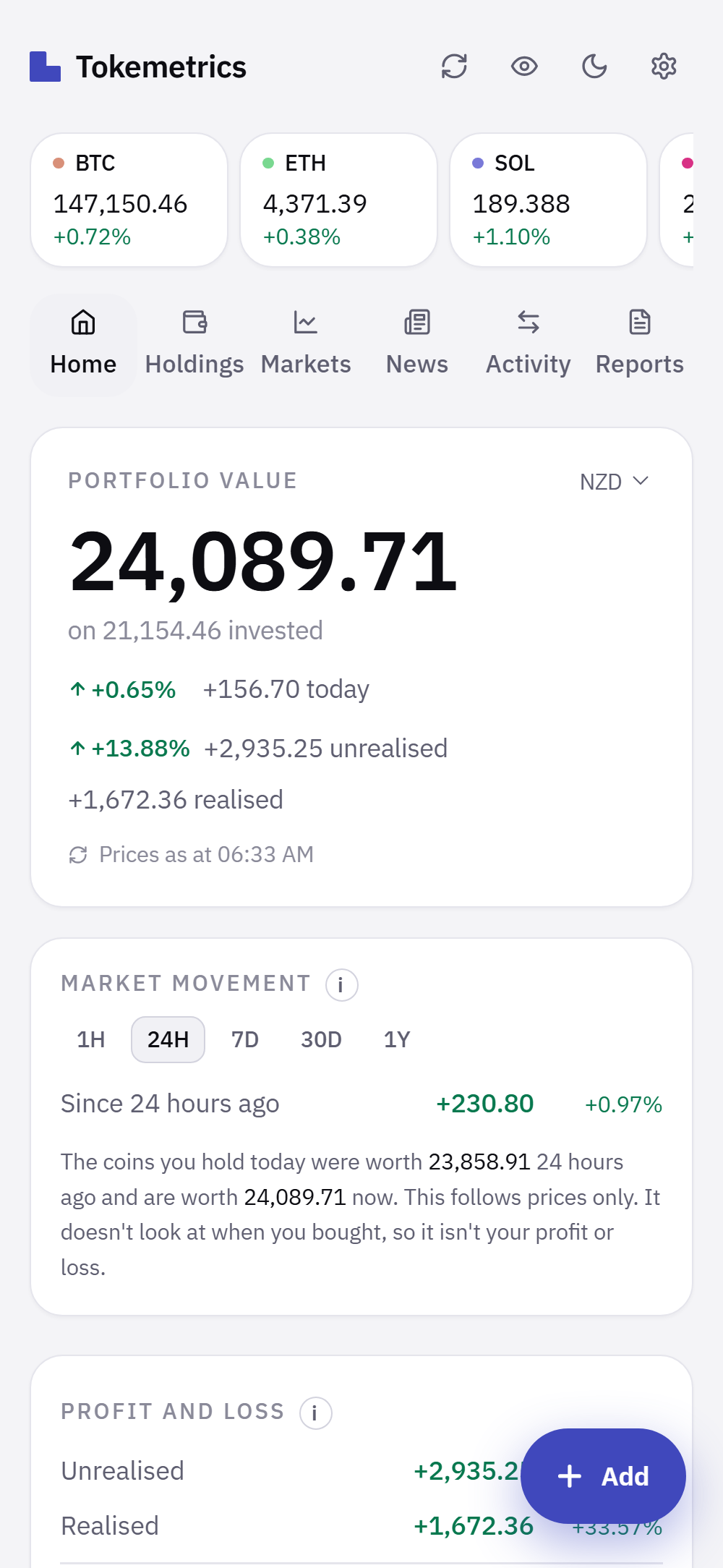
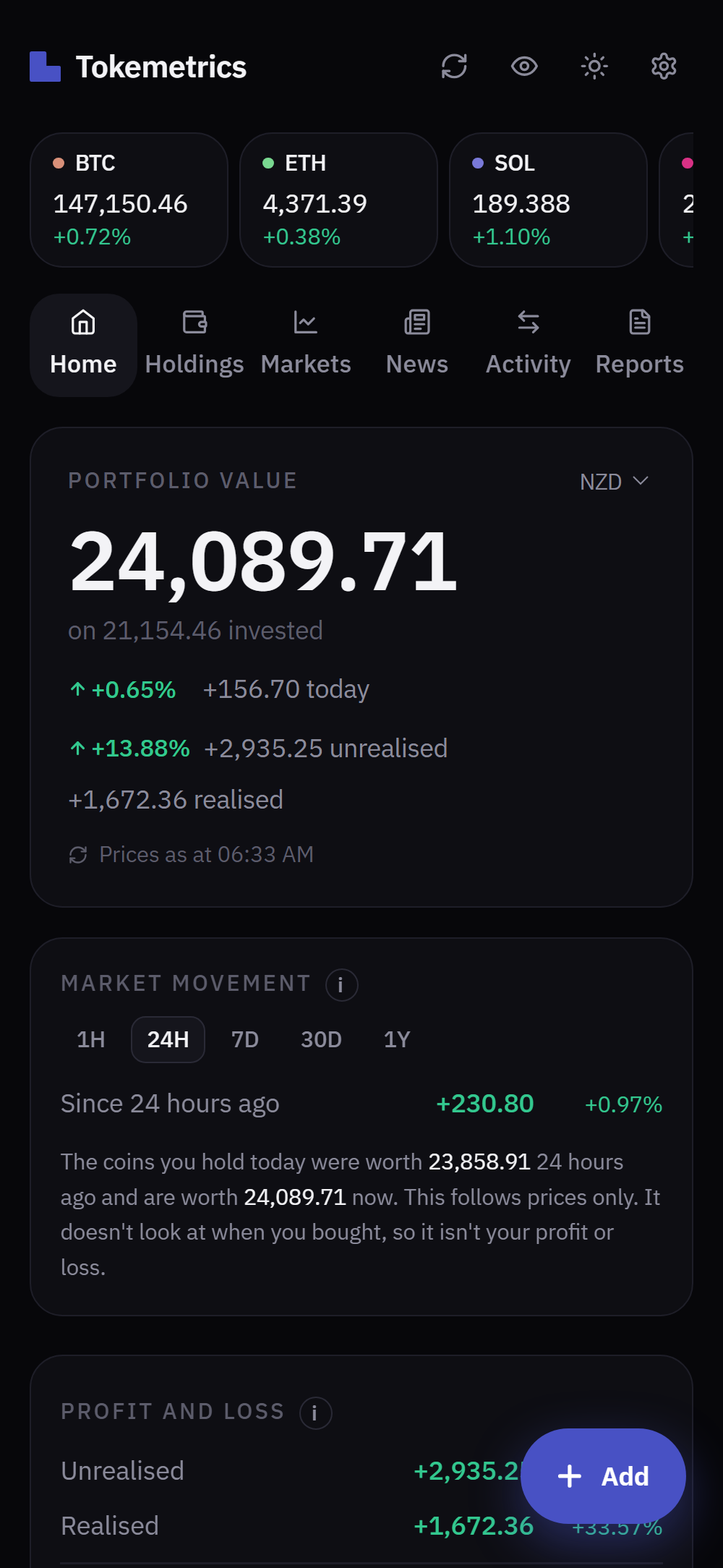
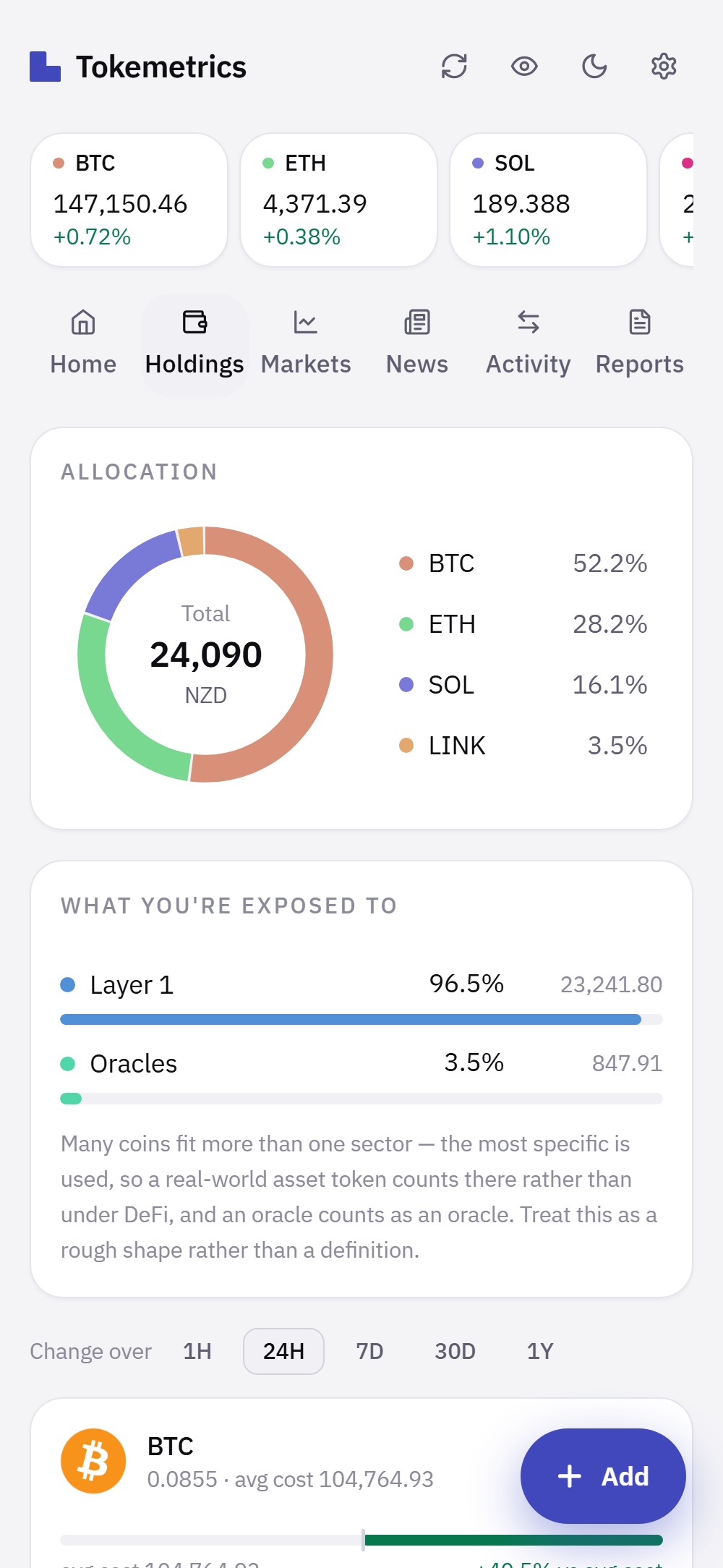
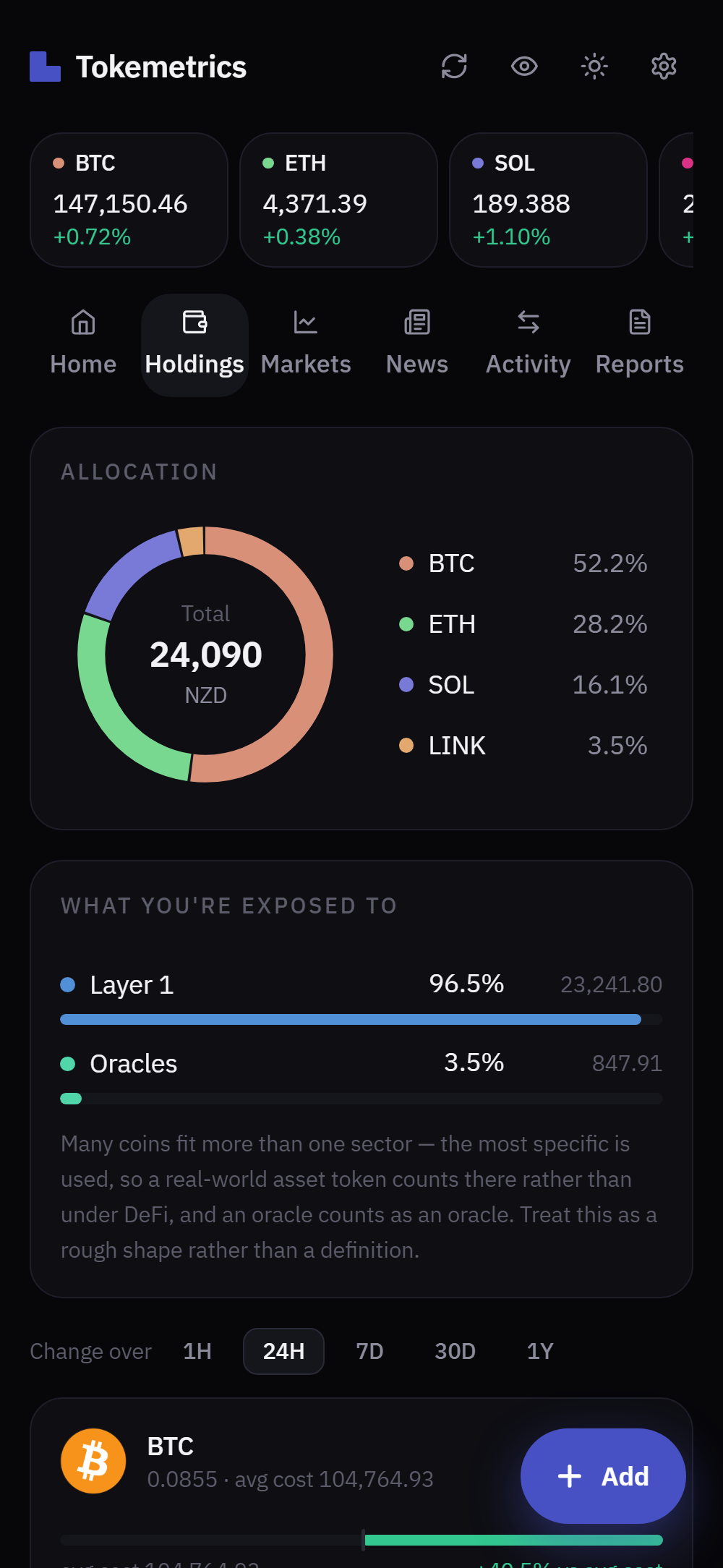
The app as it is, with a demonstration portfolio. See more screens
Tax year summary
A summary of your tax year you can download and hand to your accountant
The Reports tab lists every sale in a tax year with what it fetched, what it cost and the gain or loss, ruled off to a total. Rewards you received are listed as income.
It follows the New Zealand tax year (1 April to 31 March) or the Australian one (1 July to 30 June), based on the tax residency you choose, using first in, first out or average cost. Download it as a PDF or a spreadsheet (CSV) whenever you need it.
Your accountant can also have working papers: one zip file with a PDF of the year and a spreadsheet for each part, including the purchases behind each sale, your holdings at the start and end of the year, and the exchange rate used for each trade.
- Working papers 2025-26 (NZ).pdfthe whole year
- 1 Sales.csvspreadsheet
- 2 Income from coins.csvspreadsheet
- 3 Holdings at the start and end of the year.csvspreadsheet
- 4 Exchange rates used.csvspreadsheet
- 5 Gaps to look at.csvspreadsheet
- 6 How the figures were worked out.txtnotes
- 7 Every transaction in the year.csvspreadsheet
It’s tax information for you or your accountant to work from, not tax advice.
Tax year summary
New Zealand tax year 2025–26, 1 Apr 2025 to 31 Mar 2026
- Tax residency
- New Zealand
- Cost basis
- Average cost
- Currency
- NZD
Sales in the tax year (3)
| Date | Sold | Quantity | Proceeds | Cost | Gain or loss |
|---|---|---|---|---|---|
| 12 Jun 2025 | BTC | 0.02 | 3,240.00 | 2,095.30 | 1,144.70 |
| 20 Aug 2025 | LINK | 10 | 241.00 | 280.00 | -39.00 |
| 2 Sep 2025 | ETH | 0.6 | 3,172.40 | 2,605.74 | 566.66 |
| Total | 6,653.40 | 4,981.04 | 1,672.36 |
Tax information and reports from Tokemetrics are for your information only. They are not tax or financial advice.
On your phone
What you see when you open it
Add it to your home screen and it opens full screen, like any other app. These are the real screens, with a demonstration portfolio.
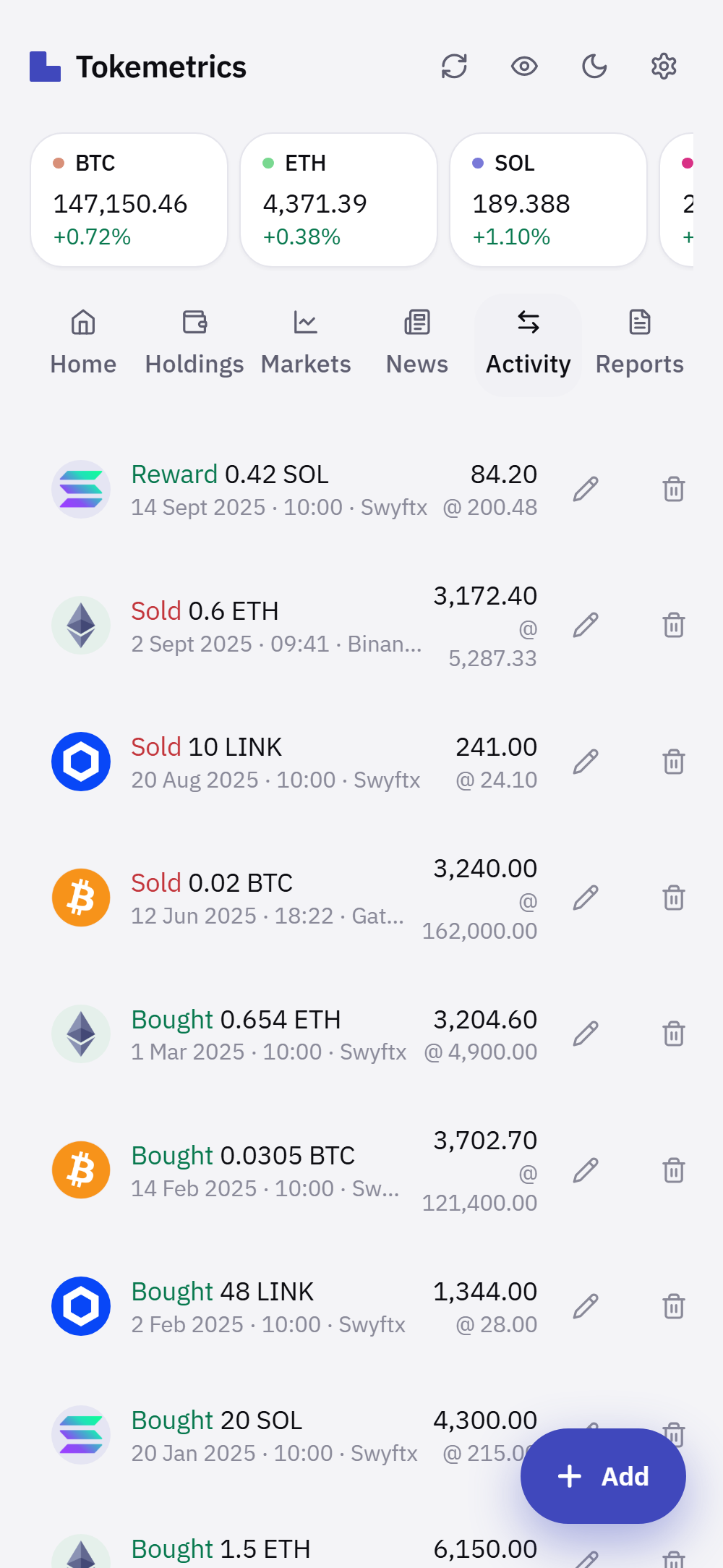
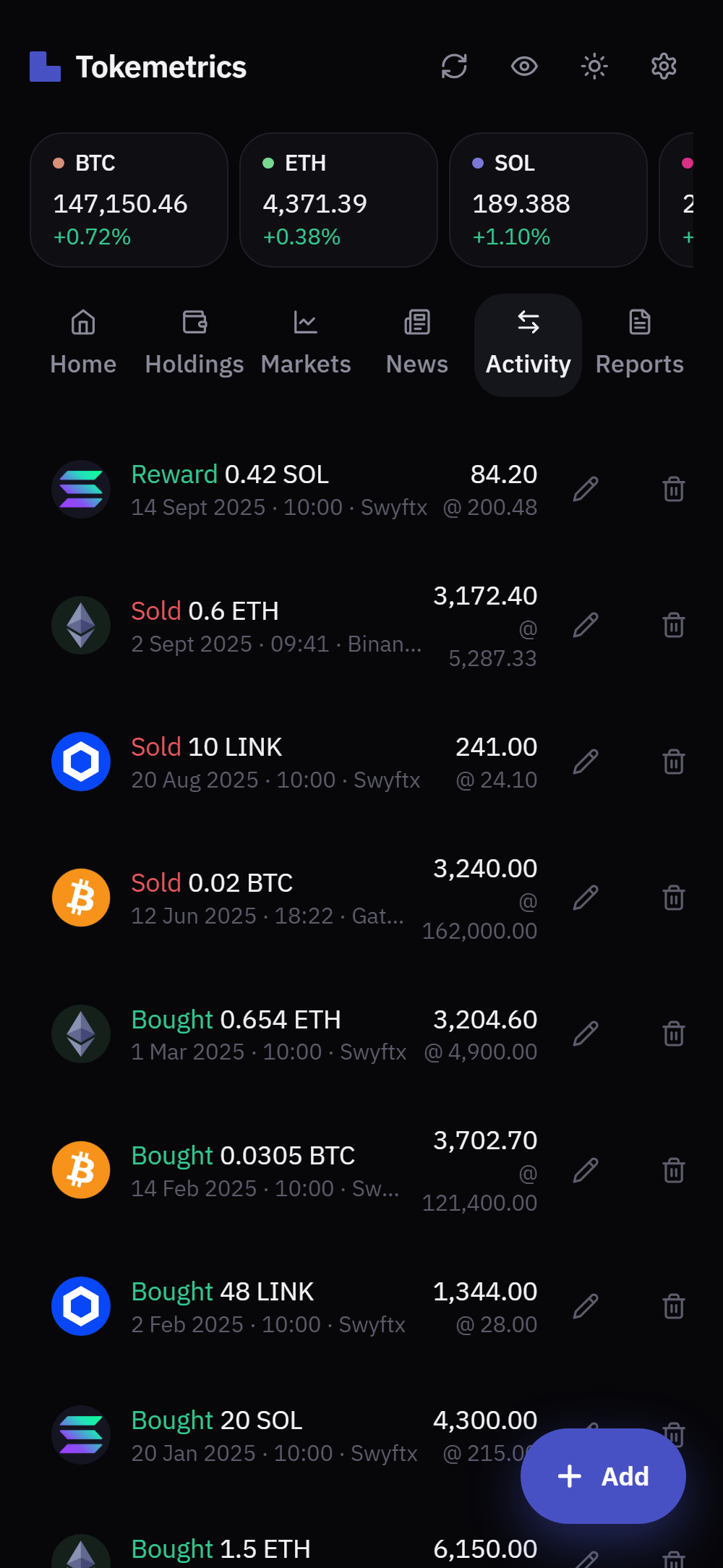
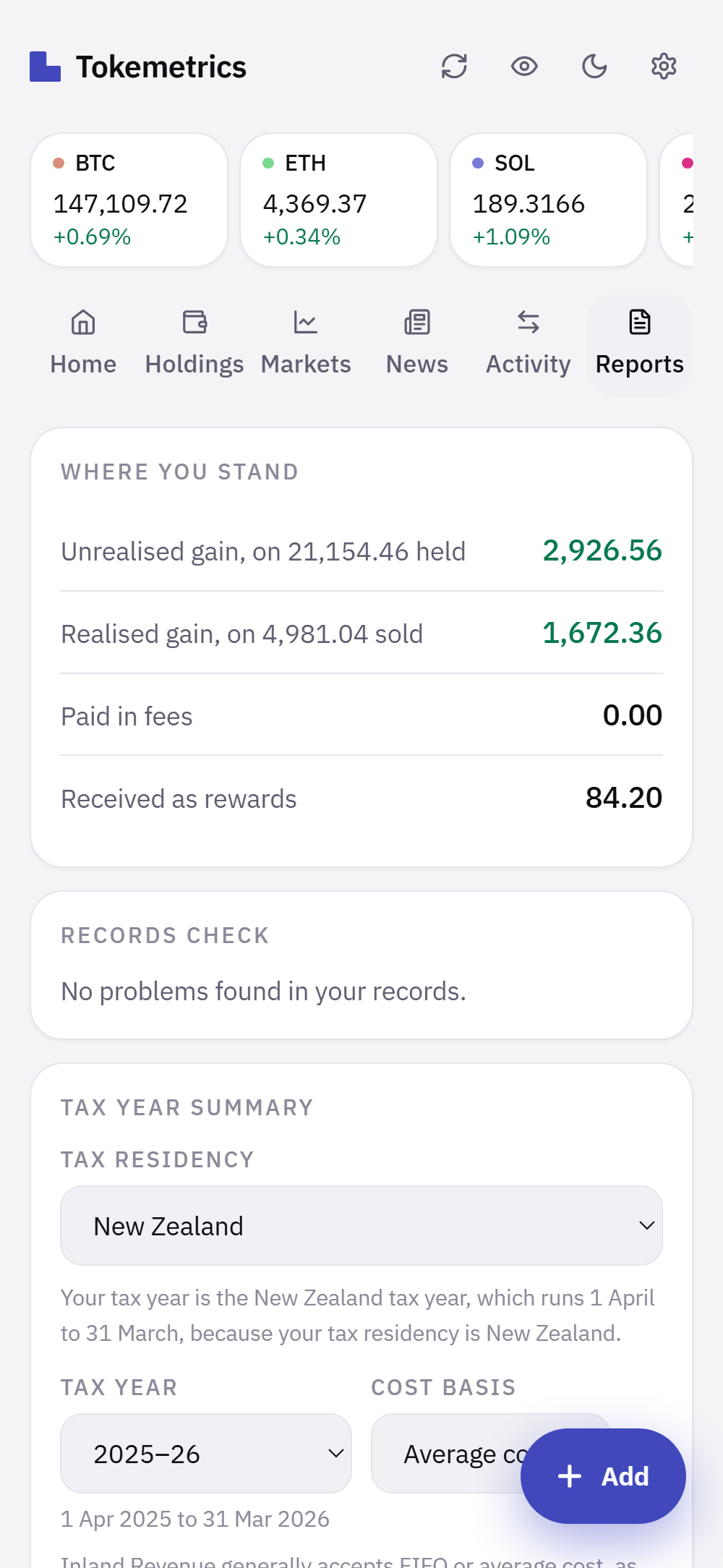
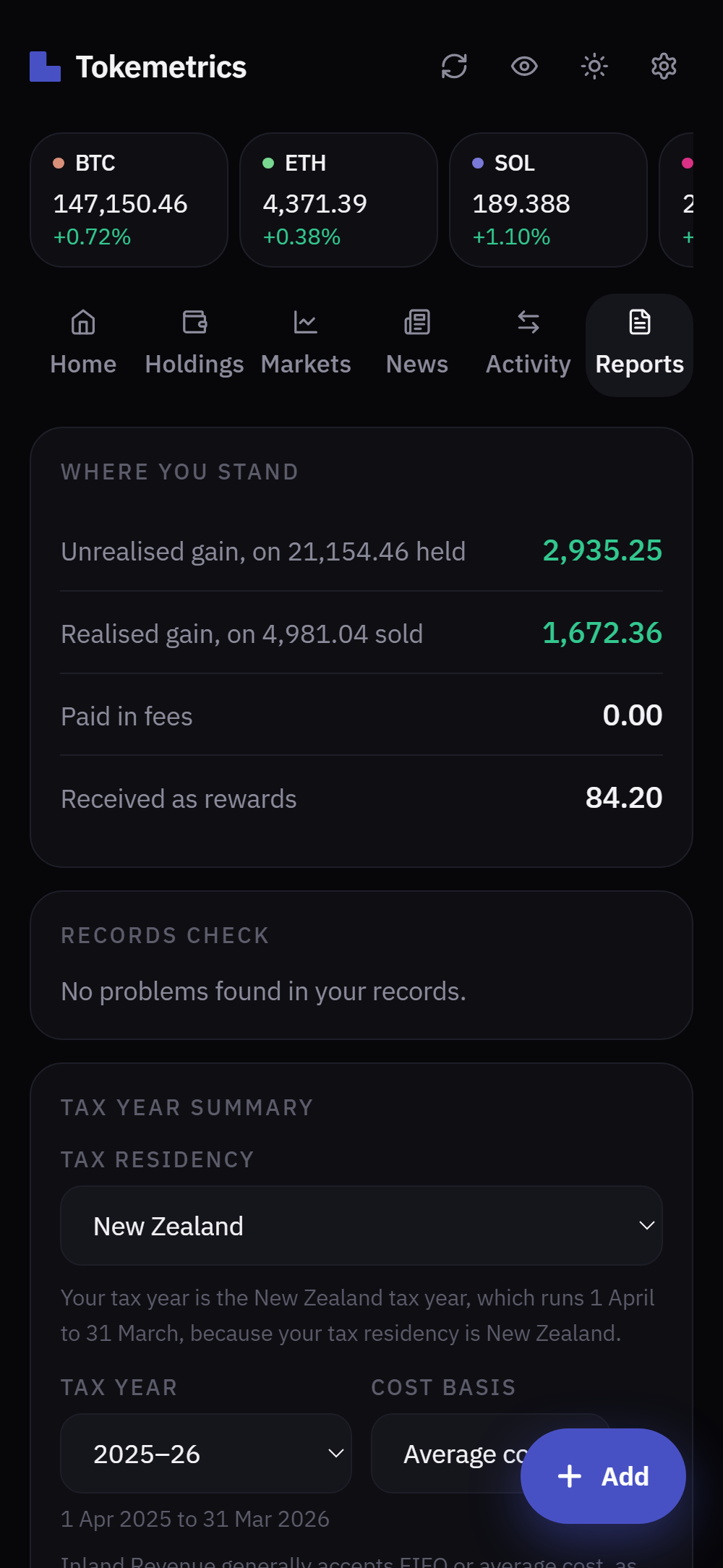
Swipe for more screens.
Overview
See your portfolio at a glance
Tokemetrics is a crypto portfolio tracker for people in New Zealand and Australia who buy and hold for the long term. You record your buys, sells, rewards and transfers, or import them from Binance, Easy Crypto, Gate or Swyftx, and it works out what you own, what it cost you, what it’s worth now and how far ahead or behind you are on each coin.
We built it because most crypto apps are designed for trading. They open on hourly price moves and leave what you actually paid a few screens away. If you bought in 2021 and plan to still be holding in 2031, the useful questions are different: what did this cost me, how is it spread across coins and sectors, and how am I doing overall. We also wanted something that works in New Zealand and Australian dollars from the start.
It all sits in one app and works from the same records, so the numbers agree with each other. Your holdings and profit and loss come from the transactions you enter. Watchlists keep track of coins you don’t own yet. The news feed can be filtered to the coins you hold. And the Reports tab turns your sales and rewards into a summary of your tax year, ready to download and share with your accountant.
Features
What you can do with it
Questions? Contact us →Everything listed here works today, and it’s all free while Tokemetrics is in beta.
Portfolio tracking
Add trades by hand in a few seconds, or import a file from Binance, Easy Crypto, Gate or Swyftx. A file from any other exchange works too: you say which column is which. Fees, part sells, rewards, transfers and trades recorded in another currency are all handled. Each holding shows its average cost, its value now and its share of the portfolio, and the sector view shows how much sits in Layer 1s, DeFi, stablecoins and the rest.
Profit and loss
Realised and unrealised profit, per coin and overall, worked out from what you actually paid. A chart compares what you’ve put in with what it has been worth since, over the timeframe you choose. The market’s move today is shown separately, so a good day isn’t mistaken for your overall return.
Watchlists
Make your own lists, such as Layer 1s or coins to read up on, or start one from a sector. Star any coin to add it to Favourites. Search covers hundreds of coins, not a fixed list.
Crypto news
Headlines from established crypto publishers, newest first, inside the app. Filter by topic or by the coins you hold, then open the full story on the publisher’s site.
Tax year summary and working papers
The Reports tab lists every sale in a tax year with proceeds, cost and gain, using first in, first out or average cost as the cost basis, plus any rewards you received. It follows the New Zealand year (1 April to 31 March) or the Australian year (1 July to 30 June), based on the tax residency you choose. Download it as a PDF or a spreadsheet, or download working papers for your accountant. It’s tax information, not tax advice.
Multiple currencies
Show everything in NZD, AUD, USD, EUR, GBP, JPY, KRW or BTC, and switch whenever you like. Trades recorded in a different currency are converted, not just relabelled.
Dark and light themes
Choose dark or light in Settings. Both are designed properly, so neither one feels like an afterthought.
Price alerts and a portfolio summary
Set a price above or below and get a notification when it’s crossed, even with the app closed. You can also get a summary of your portfolio daily, weekly or monthly, at a time you choose, or not at all. These need a free account, and on iPhone the app needs to be added to your home screen.
Wallet check
Watch a Bitcoin, Ethereum or Solana address and compare what it holds with what your records say. It’s read-only, so watching an address can’t move anything.
On your phone, and your data on the way out
Add it to your home screen and it opens full screen and shows your last known numbers offline. Export everything as a spreadsheet, or delete all of it from Settings, whenever you like.
Watchlists, themes and currencies
Keep an eye on the coins you don’t own yet
Watchlists sit alongside your portfolio, so the coins you’re thinking about are one tap away from the ones you hold. Name lists however suits you, and star anything into Favourites.
The app comes in dark and light themes, and shows prices and totals in the currency you choose.
- NZD
- AUD
- USD
- EUR
- GBP
- JPY
- KRW
- BTC
 BTCBitcoin
$147,368↑ +1.82%
BTCBitcoin
$147,368↑ +1.82%
 ETHEthereum
$4,730.50↑ +0.64%
ETHEthereum
$4,730.50↑ +0.64%
 SOLSolana
$210.04↓ −2.31%
SOLSolana
$210.04↓ −2.31%
 LINKChainlink
$25.74↑ +3.10%
LINKChainlink
$25.74↑ +3.10%
News updates
Crypto news, updated regularly.
Latest news →Headlines from established crypto publishers, newest first. When several outlets cover the same story, it’s shown once. Nothing is scored for sentiment or paid to appear, and in the app you can filter the feed by topic or by the coins you hold.
What it isn't
No predictions, no ads, no withdrawal access.
Tokemetrics keeps track of what you own. It doesn’t tell you what to buy, show you ads, or have any way to move your funds.
Price predictions, buy signals or hidden 100x picks
Ads, sponsored coins, or anything paid to appear in front of you
Withdrawal access. Exchange connections, when they arrive, will be read-only
Your data stays yours, and you can export all of it whenever you want
Built in New Zealand, priced in your own currency
Want to know how we handle something that isn’t listed here? Contact us →
Frequently Asked Questions
Have a question?
Contact us, or see if it’s already answered below.
What does it cost?
Nothing while Tokemetrics is in beta, and that includes downloading your tax year summary.
Tracking your portfolio will stay free. After the beta, some features may become paid: tax year summary and working papers downloads, and ones that cost us to run, such as automatic exchange syncing. We’ll say so here, with the price, before anything changes.
Where is my portfolio stored?
In your browser, and if you create an account, in our database as well, so it follows you between your phone and your computer. Without an account it never leaves your device.
Every row is scoped to your account by the database itself, not just by the app. You can export everything as a spreadsheet at any time, and delete all of it from Settings.
Do you connect to my exchange or wallet?
Not yet. You record trades by hand, or import a file your exchange gives you. Read-only exchange connections are being built, and they will never be able to place an order or move funds.
You can already watch a public wallet address to check your records against the chain. An address is public information, and watching one grants nothing.
Which tax year does the summary use?
The one that matches the tax residency you choose in the app: 1 April to 31 March for New Zealand, or 1 July to 30 June for Australia. If you choose Other, the report uses the calendar year and isn’t tailored to any country’s rules.
The tax year summary is tax information for you or your accountant to work from. It isn’t a tax return, Tokemetrics doesn’t file anything for you, and tax rules vary, so check with a qualified tax professional before relying on it.
Is any of this financial advice?
No. Tokemetrics records what you own and does the arithmetic on it. It doesn’t recommend trades, predict prices or rank coins, and it doesn’t give tax or financial advice.
Who is behind it?
Davinchi Limited, a New Zealand company in Christchurch. You can reach a person through the contact form or at hello@tokemetrics.com.
Start with what you already hold.
Add your buys and Tokemetrics works out your average entry, your cost and your position from there. It’s free while Tokemetrics is in beta.
Contact
Get in touch
Questions about Tokemetrics, or something that isn’t working the way you expected. Send us a message and we’ll get back to you.
You can also email us directly at hello@tokemetrics.com.